Phantom power costs are small on a per-device basis, but they add up when multiplied across an entire home. The key is knowing where that energy goes and which changes deliver the most significant return.
It’s easy to assume your appliances only cost money when you’re actively using them, such as running a load of laundry, heating dinner, or turning on the dishwasher. But the truth is, many household devices continue drawing power even when they’re idle or switched “off.”
These hidden energy costs, often referred to as phantom or standby power, can quietly inflate your utility bill month after month. Understanding which appliances run in the background and how to minimize their drain can lead to significant savings over time.
How Standby Power Works and Why It Costs You
Many appliances never fully turn off. Instead, they enter standby mode to perform background tasks such as maintaining memory settings, powering display lights, and staying ready for instant activation. Modern electronics rely heavily on microprocessors, which continue drawing power even when the device isn’t in use.
Certain features, such as clocks, LED indicators, Wi-Fi connectivity, and remote-control receivers, require continuous power. While each device may use just a few watts, dozens of devices running 24/7 can add a noticeable increase to your monthly bill.
Standby power isn’t inherently wasteful; some functions are genuinely helpful, like maintaining your fridge’s temperature or keeping your router running. The challenge lies in distinguishing necessary consumption from excess.
Explore Small Home Tweaks That Lower Utility Bills Fast for more easy changes that stack.
Which Household Appliances Use the Most Background Power
Entertainment systems are among the biggest phantom-power users. TVs, streaming boxes, gaming consoles, and soundbars often remain in a semi-active state to update software or restart quickly. Gaming consoles, in particular, can consume significant energy even when not in use.
Kitchen appliances also contribute to hidden costs. Microwaves with digital clocks, coffee makers with warming plates, and smart kitchen gadgets all draw power throughout the day. Refrigerators are designed to run continuously, but older models can be surprisingly inefficient, especially when their coils are dusty or their seals are worn.
Office equipment is another common culprit. Printers, computer monitors, and Wi-Fi routers rarely shut down completely. Even a desktop computer in sleep mode can draw several watts, and laser printers often use heat to stay ready, increasing their energy footprint.
Laundry appliances may also consume background power. Dryers with moisture sensors and washers with electronic control boards continue using electricity between cycles.
When you add everything together, the total can account for a noticeable portion of your home’s energy usage.
Check out What Everyday Sounds Reveal About Your Car’s Health to learn how small issues become expensive repairs.
How These Small Energy Costs Add Up on Your Utility Bill
Because background energy use occurs constantly, it accumulates quickly. A device that draws just three watts in standby mode may use over 26 kilowatt-hours per year. Multiply that by twenty devices, and you’re paying for hundreds of kilowatt-hours without realizing it.
This silent consumption becomes even more costly during peak electricity pricing periods or in homes with older appliances that do not meet modern efficiency standards. Over time, phantom power can amount to running a primary appliance for several months.
This doesn’t mean you must unplug everything, but identifying the worst offenders allows you to reduce waste without sacrificing convenience.
Explore What Makes Some Fabrics Last Longer and How That Saves Money Over Time for long-term savings insights.
Practical Ways to Cut Down on Phantom Energy Use
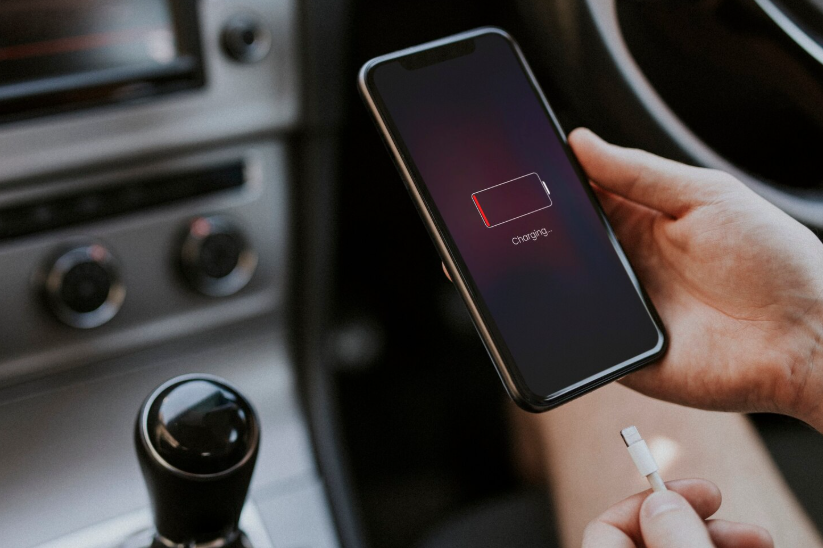
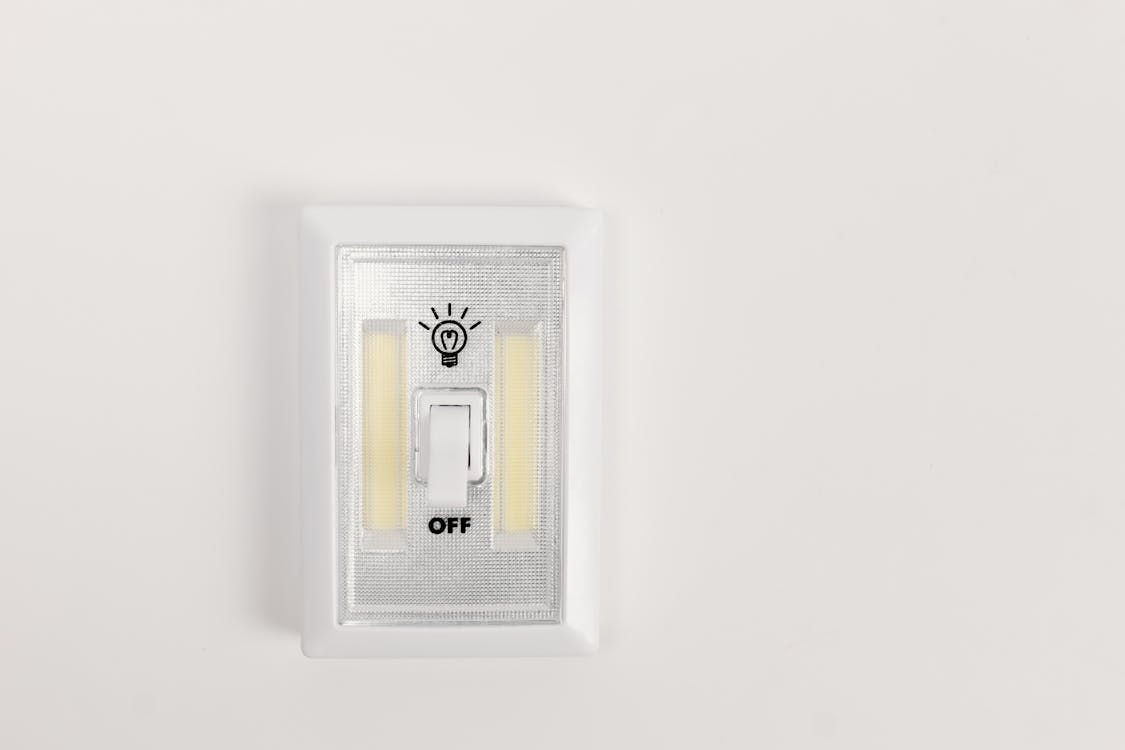
Start by unplugging devices that don’t need constant power. Chargers, countertop appliances, and entertainment accessories are easy wins. Power strips make this simpler; turning off one switch can cut power to multiple devices at once.
Smart plugs offer even more control. You can schedule devices to power down overnight or when you’re away from home. They also help identify how much energy individual appliances consume, providing insight into where changes can have the most impact.
Updating older appliances can dramatically reduce background usage. Newer refrigerators, dishwashers, and washers often meet higher energy-efficiency standards and use significantly less standby power.
You can also optimize what stays plugged in. For example, allow your computer to fully power down instead of relying on sleep mode, disable “instant-on” features for electronics, and turn off extra display lights or screens when possible.
Each minor adjustment contributes to lower utility bills and a more energy-efficient home overall.
Also read Why Your Phone Battery Drains Faster in Certain Weather to see how weather affects device energy.